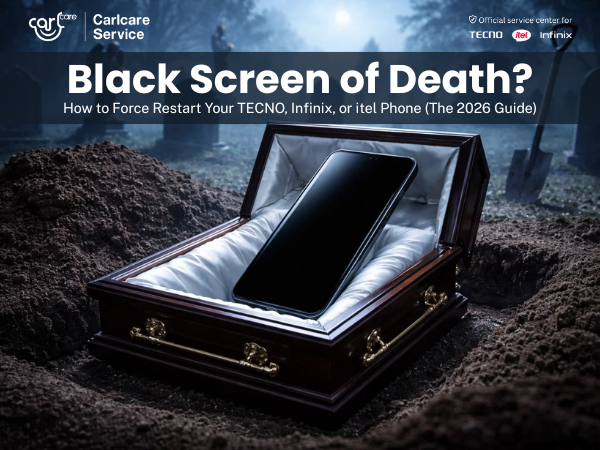
It’s the moment every smartphone user dreads. You pick up your phone, press the power button, and… nothing. The screen remains completely black.
You press it again. Still black. You try plugging in the charger, and maybe you get a vibration or a notification LED light, but the display refuses to wake up.
This phenomenon is often dramatically called the "Black Screen of Death." In 2026, despite how advanced our TECNO Phantom, Infinix GT, or itel devices have become, software can still crash.
Before you start worrying about lost photos or expensive repairs, stop.
In 9 out of 10 cases, your phone isn't broken. The operating system has simply frozen in a state where the screen is off and the touch sensors aren't responding. You don't need a new phone; you need a Force Restart.
As the official service center for TECNO, Infinix, and itel, Carlcare is here to show you the exact button combinations to snap your phone out of its freeze.
What is a Force Restart?
Think of it like a desktop computer that has completely locked up. When the mouse won't move and the keyboard won't respond, what do you do? You press and hold the power button on the tower until the machine forcibly shuts down.
A force restart on your phone does the exact same thing. It cuts power to the motherboard momentarily, forcing the software to reload from scratch. Crucially, a force restart will NOT delete your apps, photos, or contacts. It just reboots the system.
The Solution: How to Force Restart Your Device
Because TECNO, Infinix, and itel share similar engineering DNA, the method to force restart them is usually identical across nearly all models in 2026.
Follow these steps exactly. Do not release the buttons until you see the boot logo.
Method 1: The Golden Combination (Works on 95% of devices)
This is the standard method for almost all modern Android devices, including the latest 2026 models from Transsion brands.
-
Locate the Power Button and the Volume Down Button on the side of your phone.
-
Press and HOLD BOTH the Power Button and Volume Down Button at the exact same time.
-
Keep holding them. Do not let go. You might feel a vibration after 5 seconds—keep holding.
-
Continue holding for roughly 10 to 15 seconds.
-
Release both buttons only when you see the TECNO, Infinix, or itel logo appear on the screen. Your phone should now boot up normally.
Method 2: The Long Power Press (Alternative)
On some specific older models, or certain newer devices with unique button configurations, a simple long press acts as the kill switch.
-
Press and HOLD ONLY the Power Button.
-
Keep holding it down steadily.
-
You may need to hold it for longer than you think—sometimes up to 30 full seconds.
-
Release when the brand logo appears on the screen.
What If It Still Won't Turn On?
If you have tried both methods above several times and the screen remains dead, here are the next steps before visiting us.
1. The "Deep Sleep" Battery Charge Sometimes, if a battery hits absolute zero percent while running a heavy background task, it enters a "deep sleep" mode and needs a jumpstart.
-
Plug your phone into its original, high-speed charger.
-
Leave it completely alone for at least 30 minutes. Do not try to turn it on during this time.
-
After 30 minutes, keep it plugged in and try the "Force Restart" combination (Method 1) again.
2. Check for Life Signs When you plug the phone in, or toggle the mute switch (if applicable), does it vibrate? Do you see an LED charging light?
-
Yes, signs of life: Your phone is on, but the screen hardware has failed. This requires a repair.
-
No signs of life: The issue could be the battery connector, the motherboard, or the charging port.
When to Visit Carlcare
If you've tried the force restart combinations and the 30-minute charge, and your screen is still black, it’s time to bring it to the experts.
Do not try to pry open the phone yourself. Modern 2026 devices are tightly sealed for water resistance, and opening them incorrectly can cause permanent damage.
Find your nearest Carlcare Service Center. Our certified technicians can quickly diagnose if the issue is a simple disconnected battery ribbon, a faulty display panel, or a deeper motherboard issue, and get your TECNO, Infinix, or itel device back up and running using genuine parts.
Find a Service Center - https://www.carlcare.in/in/service-center/
Book a Repair Appointment - https://www.carlcare.in/in/repair-appointment/