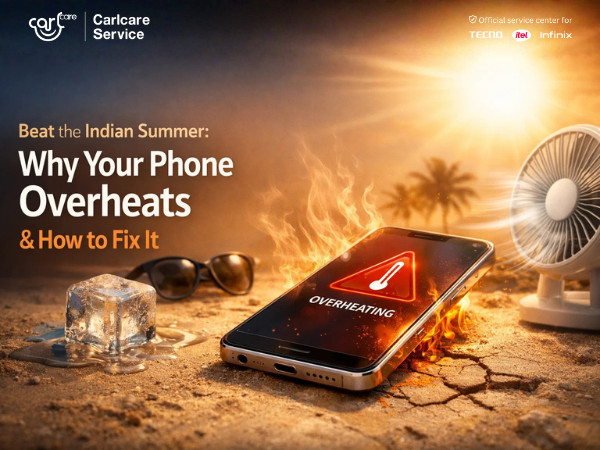
Indian summers can be extremely harsh—not just for people but also for smartphones. When temperatures rise, many users notice their phones getting unusually hot, slowing down, or even displaying overheating warnings.
Overheating can affect your device’s performance, battery life, and overall health. Understanding why this happens and how to prevent it can help keep your smartphone running smoothly during the hot months.
In this blog, we explain why phones overheat in summer and the simple steps you can take to fix and prevent the problem.
Why Do Smartphones Overheat in Summer?
1. High Outdoor Temperatures
Extreme heat during summer can raise your phone’s internal temperature quickly, especially if the device is exposed to direct sunlight for a long time.
2. Heavy Usage
Using demanding apps such as gaming, video streaming, or navigation for long periods can cause the processor to work harder, which generates heat.
3. Charging While Using the Phone
Using your smartphone while it is charging can lead to additional heat buildup, especially during hot weather.
4. Too Many Background Apps
Multiple apps running in the background consume system resources and can cause the phone to heat up faster.
5. Phone Case Blocking Heat
Some thick or poorly ventilated phone cases can trap heat, preventing the phone from cooling properly.
6. Software or Battery Issues
Outdated software, system bugs, or a damaged battery can also lead to overheating problems.
How to Fix an Overheating Smartphone
If your phone starts heating up, try these simple solutions.
1. Move the Phone Away from Direct Sunlight
Avoid leaving your smartphone in direct sunlight, inside a car, or on hot surfaces.
2. Close Unused Apps
Close apps running in the background to reduce processor load and help your phone cool down.
3. Remove the Phone Case
Temporarily removing the case can help the device release heat more easily.
4. Avoid Using the Phone While Charging
Let your phone charge without heavy usage to reduce heat generation.
5. Reduce Screen Brightness
Lowering the screen brightness can reduce power consumption and heat.
6. Update Your Phone Software
Install the latest system updates to fix bugs that may cause overheating.
Tips to Prevent Phone Overheating
To keep your device safe during the summer:
-
Avoid long gaming sessions in hot environments
-
Keep your phone in a cool, shaded place
-
Use original chargers and cables
-
Keep your device software updated
-
Regularly clear unnecessary apps and files
These simple habits can help maintain better performance and longer battery life.
When to Seek Professional Help
If your smartphone continues to overheat even after trying these steps, there could be an internal hardware issue such as battery damage or processor problems.
In such cases, it is best to visit an authorized service center where technicians can properly inspect and diagnose the issue.
Professional servicing ensures your smartphone is repaired safely using proper tools and genuine parts.
📞 Contact Us: 1800-4190-525
📍 Find a Service Center: https://www.carlcare.in/in/service-center/
📅 Book a Repair: https://www.carlcare.in/in/repair-appointment/