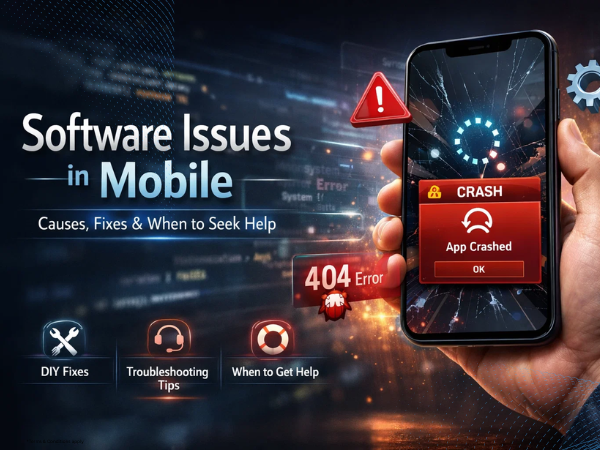
Is your smartphone lagging, freezing, crashing, or behaving unexpectedly? These are common signs of a software issue. Whether you’re using an Infinix, TECNO, or itel device, most software-related problems can be fixed with simple steps.
In this guide, we’ll explain the common causes of mobile software issues and how to fix them quickly.
Common Software Issues in Smartphones
Users often face problems like:
-
Apps crashing or not opening
-
Phone hanging or lagging
-
Automatic restarts
-
Touch delay or unresponsiveness
-
Battery draining fast
-
Camera or system apps not working properly
These issues are usually related to software glitches, outdated systems, or app conflicts.
Why Do Software Issues Happen?
1. Outdated Software
Running an old system version can lead to bugs and performance issues.
2. Too Many Apps Installed
Excess apps can overload your phone’s memory, causing slow performance and lag.
3. Corrupted App Cache
Apps store temporary data (cache), which can sometimes get corrupted and cause crashes.
4. Low Storage Space
When your phone storage is full, the system may struggle to function properly.
5. Malware or Problematic Apps
Third-party apps from unknown sources can create system instability.
How to Fix Software Issues in Your Mobile
Try these simple solutions to improve your phone’s performance.
1. Restart Your Phone
A quick restart can fix temporary glitches and bugs.
2. Clear App Cache
Steps:
-
Go to Settings
-
Tap Apps
-
Select the app
-
Tap Storage
-
Click Clear Cache
3. Update Your Software
Keep your phone updated for better performance and security.
Steps:
-
Go to Settings
-
Tap System Update
-
Install the latest version
4. Free Up Storage Space
Delete:
-
Unused apps
-
Old photos/videos
-
Large files
This helps your phone run smoothly.
5. Uninstall Problematic Apps
If the issue started after installing a new app, uninstall it and check if the problem is resolved.
6. Reset App Preferences
This helps fix app-related conflicts without deleting your data.
7. Factory Reset (Last Option)
If nothing works, you can perform a factory reset.
⚠️ Note: This will erase all data, so take a backup first.
When to Visit a Service Center
If your phone still has issues after trying all the steps, it may need professional software repair or diagnosis.
Visit an authorized service center where experts can:
-
Reinstall or update system software
-
Diagnose deeper issues
-
Fix software-related errors safely
📞 Contact Us: 1800-4190-525
📍 Find a Service Center: https://www.carlcare.in/in/service-center/
📅 Book a Repair: https://www.carlcare.in/in/repair-appointment/