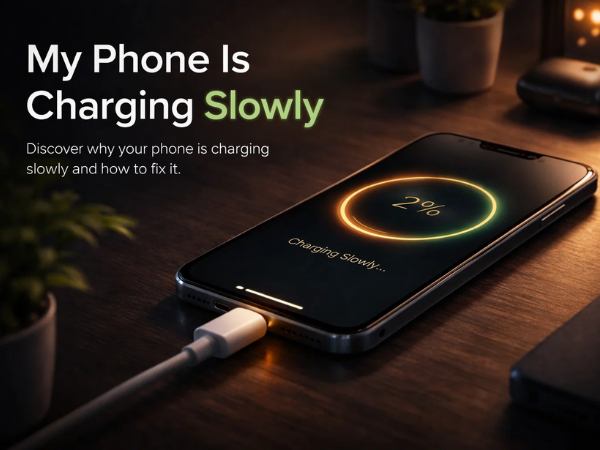
Is your phone taking forever to charge?
If you’ve noticed your device charging slower than usual, you’re not alone. Slow charging is a common issue faced by many smartphone users, and the good news is—it can often be fixed easily.
In this blog, we’ll help you understand why your phone is charging slowly and how to fix it quickly.
Why Is My Phone Charging Slowly?
Several factors can affect your phone’s charging speed. Here are the most common reasons:
1. Faulty Charging Cable or Adapter
Damaged or low-quality chargers can reduce charging speed. Using non-original accessories may also affect performance.
2. Dust in Charging Port
Over time, dust and debris can accumulate in the charging port, blocking proper connection.
3. Background Apps Consuming Power
Apps running in the background continue to use battery while charging, making the process slower.
4. Using Phone While Charging
Watching videos, gaming, or browsing while charging can significantly slow down charging speed.
5. Battery Health Issues
Old or damaged batteries may not charge efficiently.
6. Software Problems
System bugs or outdated software can also affect charging performance.
How to Fix Slow Charging Issues
Try these simple steps to improve your phone’s charging speed:
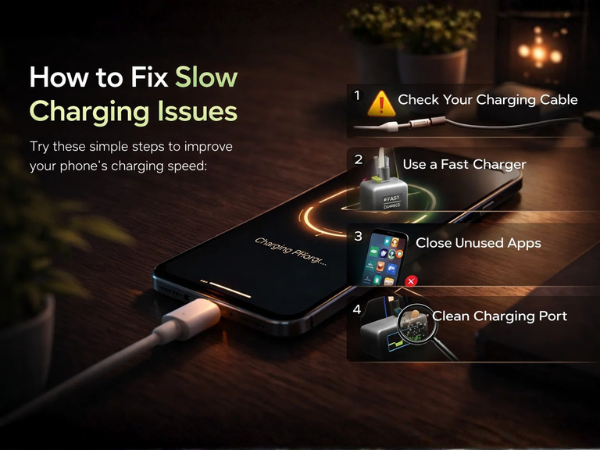
1. Use Original Charger and Cable
Always use the official charger and cable recommended for your device to ensure optimal charging speed.
2. Clean the Charging Port
Gently clean the charging port using a soft brush or compressed air to remove dust.
3. Close Background Apps
Stop unnecessary apps running in the background to reduce battery consumption.
4. Avoid Using Phone While Charging
Let your phone charge without heavy usage for faster results.
5. Turn On Airplane Mode
Switching to Airplane Mode can speed up charging by reducing background activity.
6. Update Your Phone Software
Install the latest updates to fix bugs and improve performance.
7. Check for Battery Issues
If your phone is old, the battery may need replacement.
When to Visit a Service Center
If your phone is still charging slowly after trying these fixes, it could be due to a hardware issue such as a faulty charging port or battery problem.
In such cases, it is best to visit an authorized service center for professional inspection and repair. Expert technicians can diagnose the issue and ensure your device is repaired safely.
Need Help? Contact Carlcare
📞 Contact Us: 1800-4190-525
📍 Find a Service Center:
https://www.carlcare.in/in/service-center/
📅 Book a Repair:
https://www.carlcare.in/in/repair-appointment/