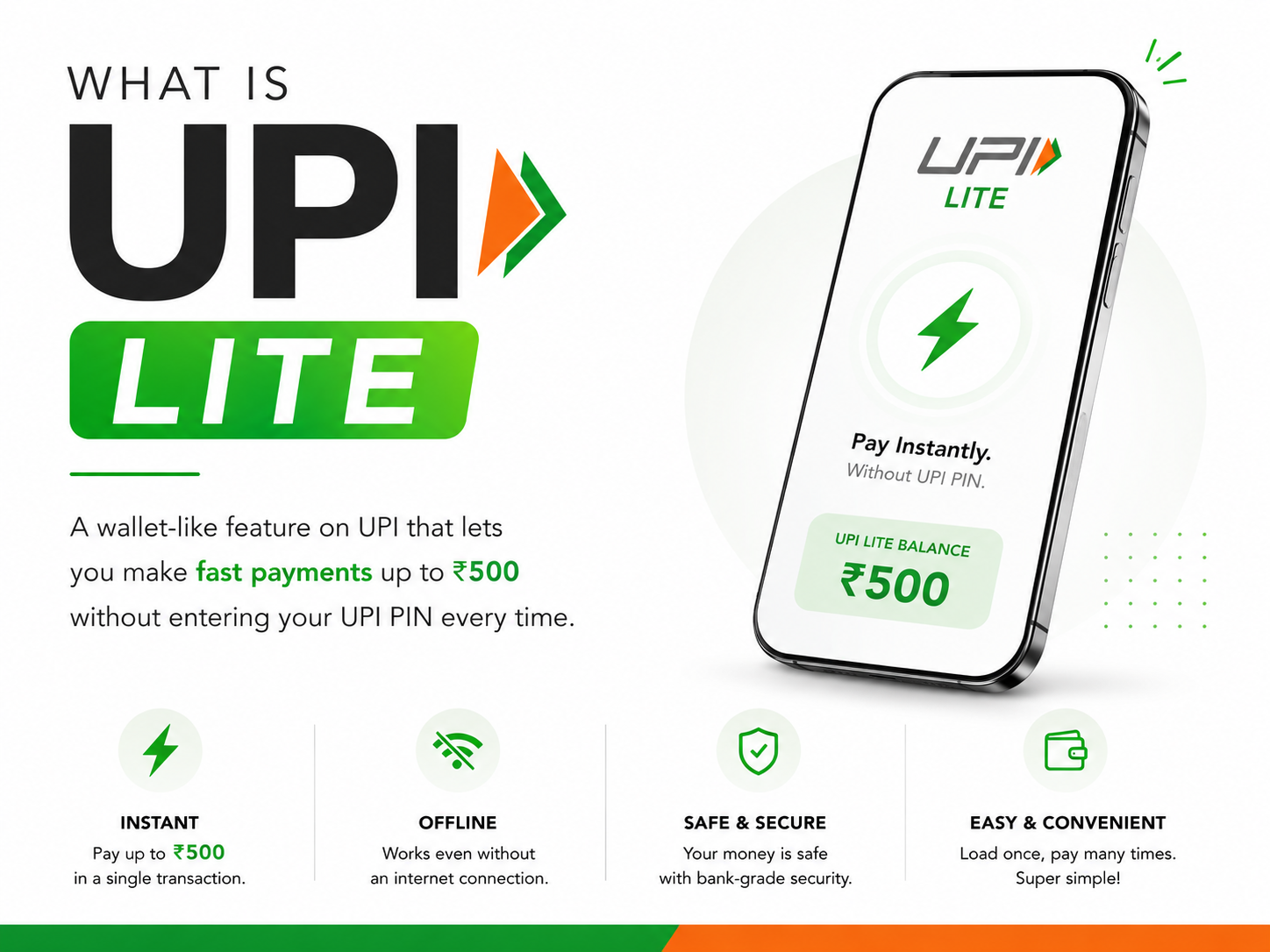
Digital payments have become a part of daily life in India, and UPI has made transactions faster and more convenient than ever. To make small-value payments even smoother, NPCI introduced UPI Lite.
If you often make quick payments for tea, groceries, parking, metro tickets, or local shopping, UPI Lite can help you complete transactions faster without entering your UPI PIN every time.
What is UPI Lite?
UPI Lite is a simplified version of UPI designed for small-value digital payments. It allows users to make low-value transactions quickly without entering a UPI PIN for every payment.
UPI Lite works like an on-device wallet linked to your bank account and is developed by the National Payments Corporation of India (NPCI).
It is mainly designed to:
- Reduce payment failures
- Speed up small transactions
- Improve payment experience during peak hours
How Does UPI Lite Work?
Instead of directly processing every small payment from your bank account, UPI Lite stores a small balance on your device.
You first add money to UPI Lite from your bank account, and then you can use that balance for payments.
This helps:
- Make payments faster
- Reduce bank server dependency
- Improve transaction success rate
Key Features of UPI Lite
Fast Payments
Small transactions happen instantly without entering the UPI PIN repeatedly.
Reduced Payment Failures
Since payments are processed using Lite balance, server-related transaction failures are reduced.
Secure Transactions
UPI Lite still operates within the secure UPI ecosystem developed by NPCI.
Easy to Use
The setup process is simple and available on many popular UPI apps.
What is the UPI Lite Transaction Limit?
UPI Lite is mainly for low-value payments.
Currently:
- Users can add limited balance to UPI Lite
- Small transactions can be made without PIN entry
Limits may vary depending on NPCI guidelines and supported apps.
How to Activate UPI Lite
You can activate UPI Lite through supported UPI apps.
Steps to Set Up UPI Lite
- Open your UPI app
- Go to the UPI Lite section
- Select your bank account
- Add money to your Lite balance
- Start making quick payments
Once activated, you can use UPI Lite for eligible transactions instantly.
Benefits of Using UPI Lite
UPI Lite is especially useful for:
- Small daily purchases
- Faster checkout experience
- Areas with weak internet connectivity
- Reducing payment delays during busy hours
It is ideal for:
- Tea stalls
- Grocery shops
- Public transport
- Food outlets
- Local stores
Difference Between UPI and UPI Lite
|
Feature |
UPI |
UPI Lite |
|
PIN Required |
Yes |
Not for small payments |
|
Transaction Type |
All payments |
Small-value payments |
|
Speed |
Fast |
Faster for low-value transactions |
|
Direct Bank Processing |
Yes |
Lite balance-based |
Is UPI Lite Safe?
Yes, UPI Lite is designed within the official NPCI ecosystem and follows secure digital payment standards.
To stay safe:
- Use trusted UPI apps only
- Keep your phone secured with password or fingerprint lock
- Never share OTP or banking details
Common UPI Lite Issues
Some users may experience:
- UPI Lite activation failure
- Payment pending issue
- Bank linking problem
- App crashing or freezing
Most issues can be resolved by:
- Updating the app
- Checking internet connection
- Updating phone software
Need Smartphone Support?
If your smartphone has issues affecting payment apps like:
- App crashes
- Fingerprint problems
- Network issues
- Software lag
Carlcare Service can help with professional smartphone support and troubleshooting.
📞 Contact Us: 1800-4190-525
📍 Find a Service Center:
https://www.carlcare.in/in/service-center/
📅 Book a Repair:
https://www.carlcare.in/in/repair-appointment/
T&C Apply