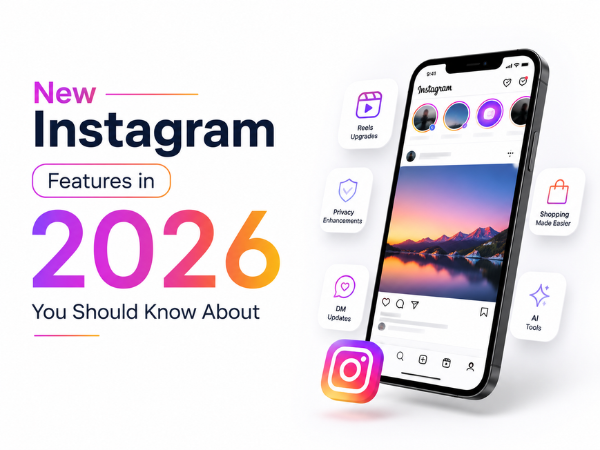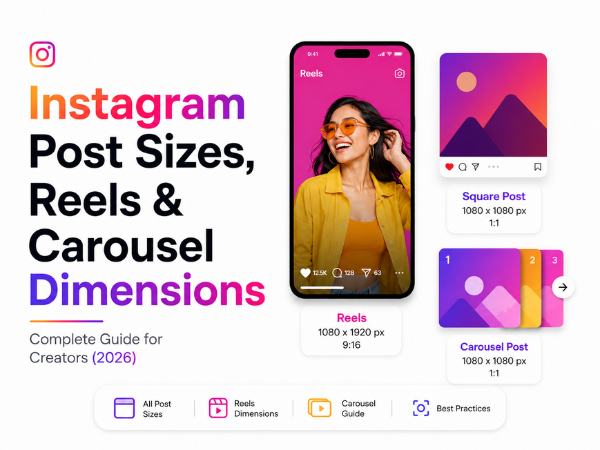
Whether you're a content creator, business owner, influencer, or social media manager, using the correct Instagram dimensions can make your content look professional and help improve engagement.
Uploading content in the wrong size can result in unwanted cropping, blurry images, or text getting cut off. This guide covers everything you need to know about Instagram post sizes, carousel dimensions, Reel ratios, Story sizes, and profile picture dimensions.
Why Instagram Dimensions Matter
Using the correct dimensions helps:
- Improve content quality
- Prevent image cropping
- Make posts look professional
- Increase engagement
- Optimize content for mobile viewing
Since most Instagram users browse on smartphones, choosing the right aspect ratio ensures your content fills more screen space and grabs attention.
Instagram Feed Post Size
Instagram supports three types of feed posts:
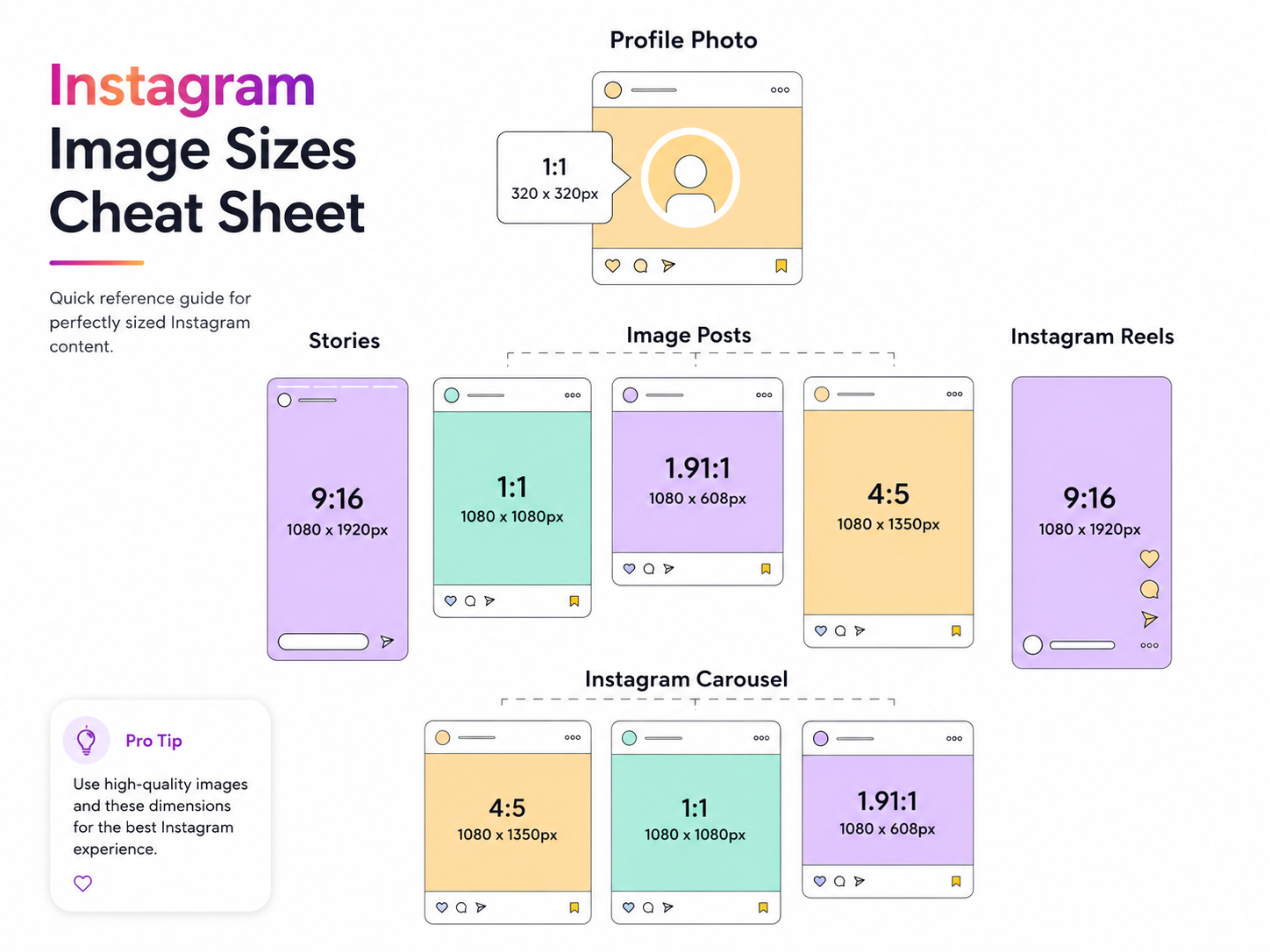
Square Post
Size: 1080 × 1080 pixels
Aspect Ratio: 1:1
Best for:
- Product photos
- Quotes
- Brand announcements
- Simple graphics
Portrait Post (Recommended)
Size: 1080 × 1350 pixels
Aspect Ratio: 4:5
Best for:
- Educational content
- Infographics
- Brand promotions
- Tips and tutorials
The 4:5 format occupies more space in the user's feed, making it one of the most recommended sizes for businesses and creators.
Suggested Image Example:
Instagram Portrait Post (1080 × 1350) Mockup
Landscape Post
Size: 1080 × 566 pixels
Aspect Ratio: 1.91:1
Best for:
- Scenic photography
- Wide-angle shots
- Event photos
What is an Instagram Carousel?
An Instagram Carousel is a post that allows users to swipe through multiple images or videos within a single post.
Instagram currently allows up to 20 slides in one carousel.
Recommended Carousel Size
Size: 1080 × 1350 pixels
Aspect Ratio: 4:5
For the best user experience, use the same dimensions across all carousel slides.
Recommended Carousel Structure
Slide 1: Strong Hook
Slide 2–8: Main Content
Last Slide: Call to Action
Example:
Slide 1: 10 Hidden WhatsApp Features
Slide 2: Feature #1
Slide 3: Feature #2
Slide 4: Feature #3
Slide 5: Save & Follow for More
Suggested Image Example:
Instagram Carousel Swipe Post Example
Instagram Reel Size
Instagram Reels are one of the best ways to increase reach and discoverability.
Recommended Reel Size
Size: 1080 × 1920 pixels
Aspect Ratio: 9:16
This is a full-screen vertical format designed for mobile viewing.
Best for:
- Tutorials
- Product demos
- Trending content
- Vlogs
- Educational videos
Suggested Image Example:
Instagram Reel Layout (1080 × 1920)
Instagram Reel Safe Zone
Although Reels use a 9:16 format, Instagram places interface elements on top of the video.
Avoid placing important text:
- Near the bottom
- Along the edges
- Near the profile and caption area
Keeping text in the center ensures it remains visible across devices.
Instagram Story Size
Stories use the same dimensions as Reels.
Recommended Story Size
Size: 1080 × 1920 pixels
Aspect Ratio: 9:16
Best for:
- Polls
- Promotions
- Flash sales
- Product launches
- Daily updates
Suggested Image Example:
Instagram Story Design Example
Instagram Profile Picture Size
Your profile picture is the first thing people notice when visiting your account.
Recommended Size
Size: 320 × 320 pixels
Instagram displays profile pictures in a circular frame.
Tips
- Keep logos centered
- Avoid text near edges
- Use high-resolution images
Suggested Image Example:
Instagram Profile Picture Circle Crop Example
Instagram Reel Cover Size
A Reel cover helps attract clicks and creates a professional-looking profile grid.
Upload Size
1080 × 1920 pixels
Feed Preview Size
1080 × 1350 pixels
Important text should stay within the center area to prevent cropping when viewed on your profile.
Instagram Ad Sizes
Feed Ads
1080 × 1350 pixels
Story Ads
1080 × 1920 pixels
Reel Ads
1080 × 1920 pixels
Using the correct dimensions helps maximize ad visibility and performance.
Instagram Dimensions Quick Reference Table
|
Content Type |
Recommended Size |
Aspect Ratio |
|
Feed Post (Square) |
1080 × 1080 |
1:1 |
|
Feed Post (Portrait) |
1080 × 1350 |
4:5 |
|
Feed Post (Landscape) |
1080 × 566 |
1.91:1 |
|
Carousel Post |
1080 × 1350 |
4:5 |
|
Reel |
1080 × 1920 |
9:16 |
|
Story |
1080 × 1920 |
9:16 |
|
Reel Cover |
1080 × 1920 |
9:16 |
|
Profile Picture |
320 × 320 |
1:1 |
Tips for Better Instagram Content
- Use 1080 × 1350 for most feed posts.
- Create carousels for educational and informative content.
- Use Reels to maximize reach and engagement.
- Keep important text within safe zones.
- Use high-quality images and videos.
- Maintain consistent branding across posts.
Need a Smartphone for Content Creation?
Creating high-quality Instagram content starts with a capable smartphone. Whether you're shooting Reels, editing videos, or designing carousel posts, keeping your device in top condition is important.
For smartphone support, repairs, software updates, and maintenance:
📞 Contact Us: 1800-4190-525
📍 Find a Service Center:
https://www.carlcare.in/in/service-center/
📅 Book a Repair:
https://www.carlcare.in/in/repair-appointment/
T&C Apply